
A little less admin.
A lot more care.
One record per animal, holding its identity, vaccination history and adoption status together. So the person on the kennel round can answer a question about an animal without asking three colleagues first.
- No paid tier
- No checkout
- CSV export of your registry
- Audit log on medical and workflow changes
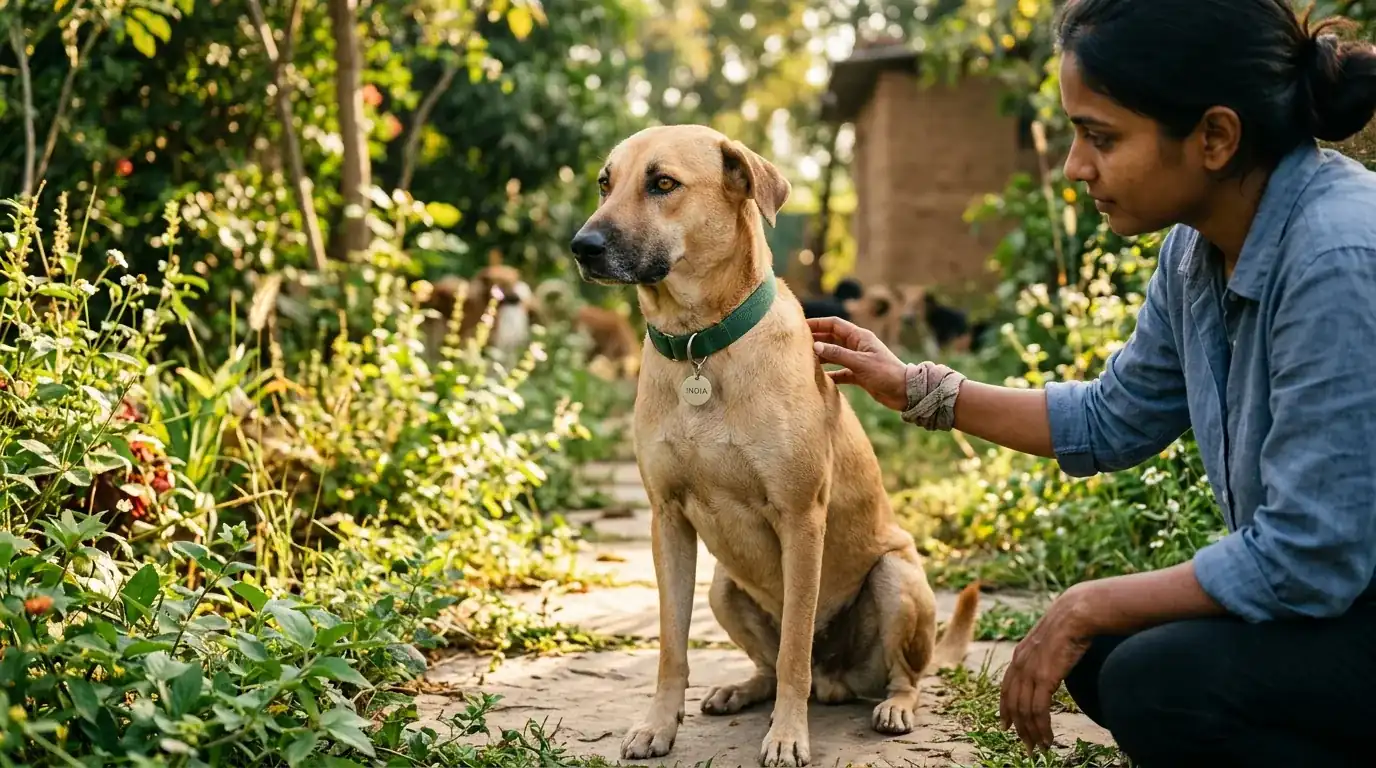
A paper register cannot answer three questions at once.
When an animal's details are split across a register, a vaccination notebook and someone's memory, the gaps show up in the places that hurt: a booster that gets missed, a treatment repeated because nobody knew it had been done, an adoption that falls through between two people.
Records scatter
Intake notes in one place, medical detail in another, adoption status on a whiteboard. New volunteers are briefed verbally, and the briefing is the only copy.
Vaccination history goes missing
A booster date written on a page nobody turns to is the same as no booster date. There is no way to list everything that is due this month.
The same animal is registered twice
One record per intake, no second one. A duplicate profile means two vaccination histories and no way to tell which is true.
Everything about an animal, on one screen.
Species, breed, age, sex, photograph, microchip number, intake notes, status, and a vaccination history with the next due date on every dose. The example below uses a made-up animal, but the fields are the real ones.
Built for intake, care and handover — not just a database.
Intake
Photograph, species, breed, age, sex, intake source and first notes. The animal gets a permanent public ID the moment the record is saved.
Medical
Vaccines with given date, next due date, clinic and batch number, plus free-text treatment notes and a flag for animals in treatment.
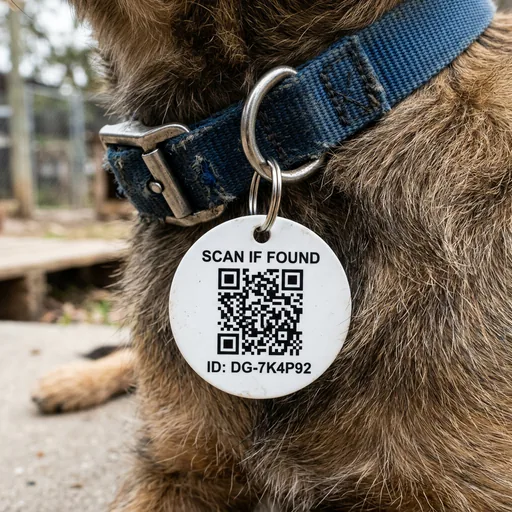
QR identification
Print a collar charm and wallet-size ID card for any animal. Printing costs nothing, is not counted, and a reprint always opens the same profile.
Adoption
Mark an animal adoption-ready, publish a listing with description and requirements, review applications, and record the handover against the animal.
Found reports
When someone scans a tag and submits a sighting with their location, it lands in your inbox with the coordinates and their message.
Staff and audit
Owner, Org Manager, Medical and Volunteer roles. Every change is attributed, so you always know who recorded a dose or edited a record.
What changes on the first week.
Before
- Details in a register, a notebook and someone's phone
- No list of what is due this month
- Adoption paperwork separate from the animal's record
- New volunteers briefed from memory
- No way to answer a call about an animal you do not personally know
After
- One record per animal, reachable from any staff phone
- A due list across every animal you hold
- Adoption status attached to the animal, not to a folder
- Volunteers work from the same record you do
- Any staff member can answer, because the record is there
From application to first animal.
-
Apply
Tell us who you are and what you look after: organisation name, type, city, contact person and roughly how many animals.
-
Get approved
A person reads the application and approves it. There is no payment step and no onboarding call required before you can start.
-
Add animals and print tags
Register what you already hold, then print a tag for each animal from its record. You do not have to enter everything before you begin.
Export is one click per animal registry, so leaving is easy and you are never locked in. Start by entering the animals you touch most.
From shelter managers
Is it free, or is there a tier we have not been told about?
It is free, and there is no paid tier. There is no checkout anywhere in the product and no payment is collected at any point. The only gate is an application that an administrator reviews, and approval does not lead to an invoice.
What do our volunteers actually see?
You issue each person an account with one of four roles: Owner, Org Manager, Medical or Volunteer. A Volunteer can be given the narrowest set of actions you choose. Vaccination records, case files, adoption decisions and roster changes are written to an audit log against their account, so you can see who edited a vaccination record and when.
What happens to our data if we leave?
You can export the animal registry as CSV at any time, from the registry screen, without asking us. The export is a spreadsheet file with one row per animal, including the identification and vaccination columns.
Can we keep our paper register alongside this?
Yes, and for the first few weeks most teams do. The register is the record of the animals you are responsible for; PraniID is what makes it findable. Migrating line by line as you touch each animal is less work than a single bulk entry.